Why Technical Planning Is Often Overlooked
Many organisers focus on decor, catering, and programme – but forget about:
- Wi-Fi capacity
- power outlets and extension cords
- upload strategies for lots of phones
Problems show up when:
- the Photo Game App loads slowly or not at all
- batteries die en masse
- uploads only work hours later
Building Block 1: Internet & Wi-Fi
- Ask the venue how many devices the network can realistically handle.
- If possible, set up a dedicated "event" SSID.
- Plan a backup hotspot (e.g. a 5G router or tethering solution).
The Photo Game App supports offline usage – but a solid connection makes the experience smoother for everyone.
Building Block 2: Power
- Multi-socket extensions at key locations (DJ, tech area, near the photo wall).
- Mobile power banks for guests and the organising team.
- Clear labelling so no one unplugs critical equipment by accident.
Building Block 3: Device Diversity
Events bring together many phone types and ages:
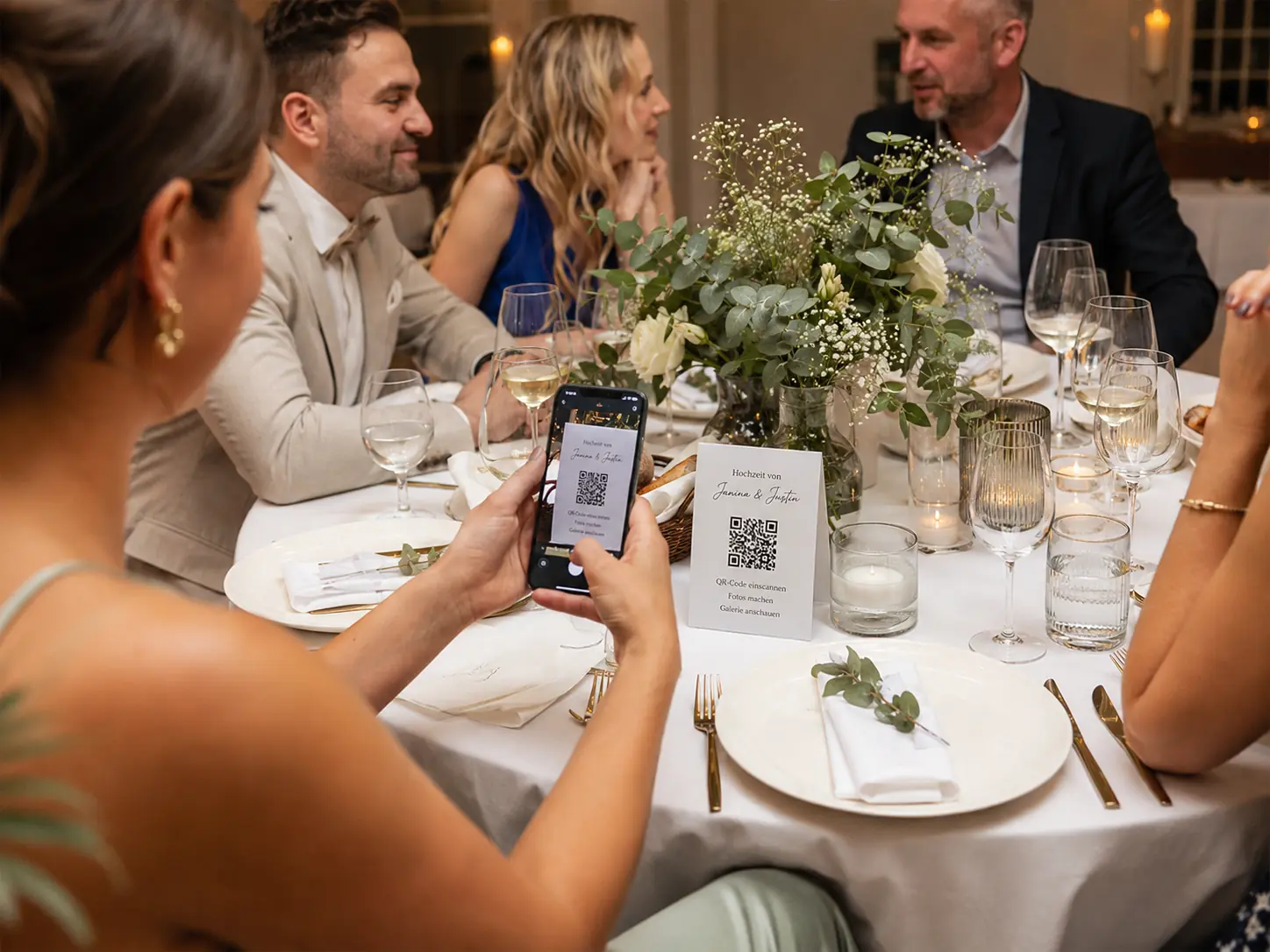
- Test your QR code and event link on different devices in advance.
- Provide a short guide on how to join the Photo Game event.
- Make sure there are spots with strong signal reception.
Building Block 4: Upload Strategy
- Explain that guests can also upload later from hotel or home Wi-Fi.
- Encourage small, frequent uploads instead of one giant batch at the end.
- Use moderation to pick highlights even during the event.
Building Block 5: Backups
- Keep crucial professional photos on a backup drive or encrypted cloud folder.
- Export a backup of your Photo Game gallery after the event.
- Document where data is stored and how long you will keep it.
Conclusion: Invisible Tech, Visible Memories
When the technical basics are right, no one notices them – and that's the goal. The Photo Game App and your cameras work reliably in the background while everyone focuses on what matters: the event itself.