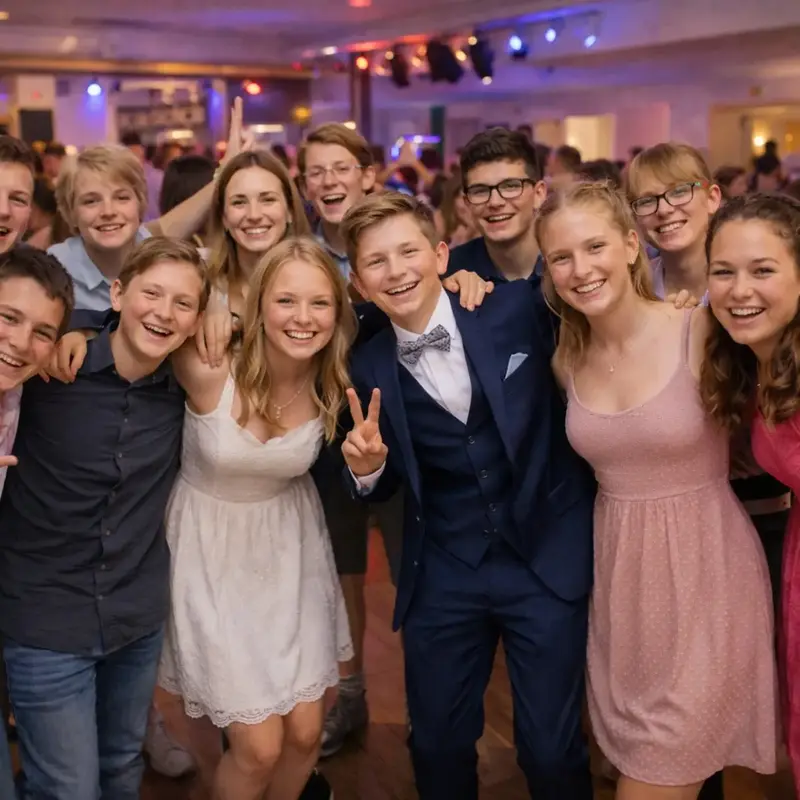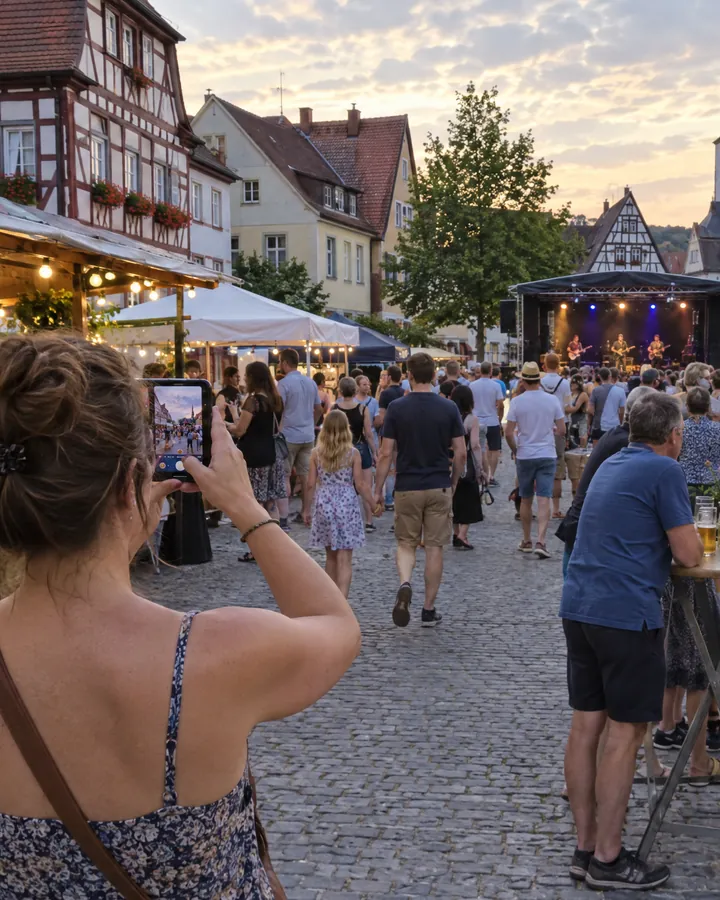




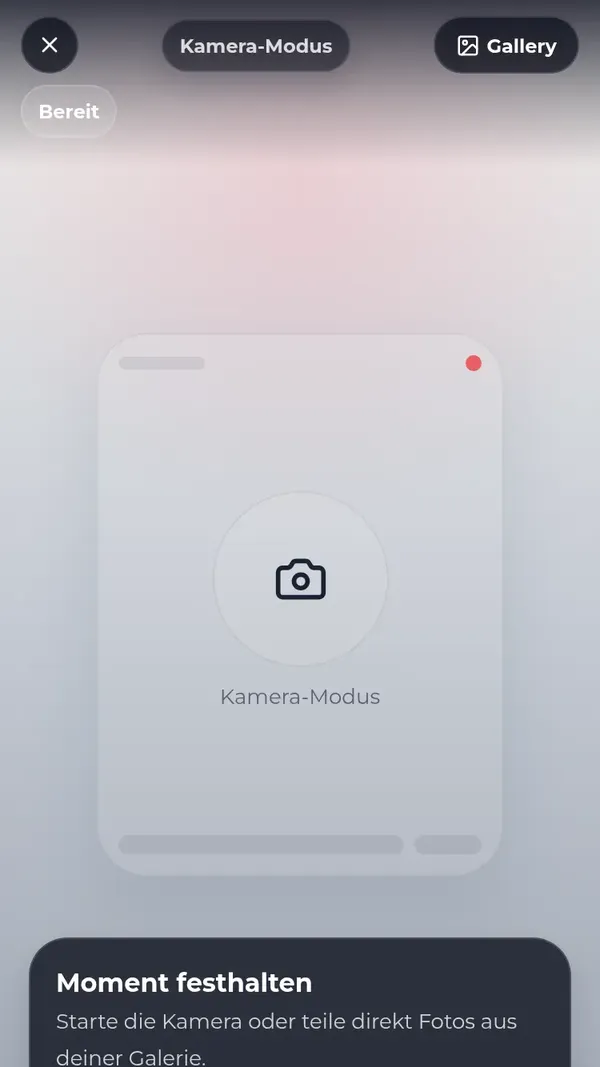
Your guests
- Scan the QR code or open the link
- Upload photos and videos right in the browser
- Solve tasks and like everyone else’s photos
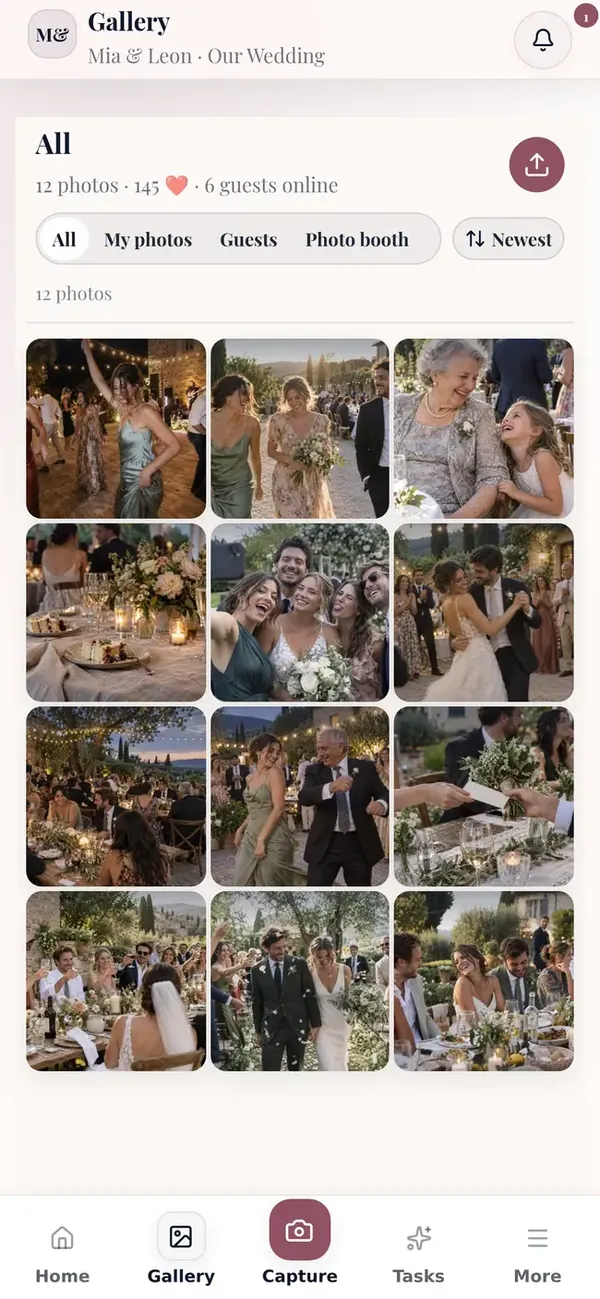
A QR code on every table – and all your guests’ photos land instantly in your shared gallery. No app, no account. You see everything live and decide what gets shown.
Sample photos AI-generated, names invented. Screens from the real app, overlays re-enacted.
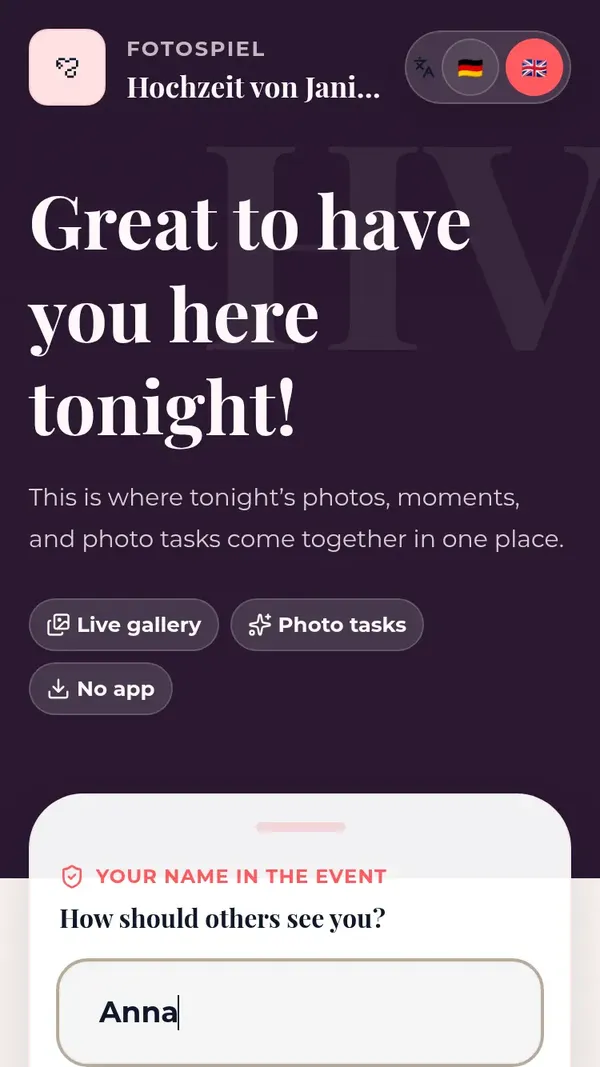
Guests need nothing but their phone. You get everything to turn many perspectives into a gallery you’re proud to show.
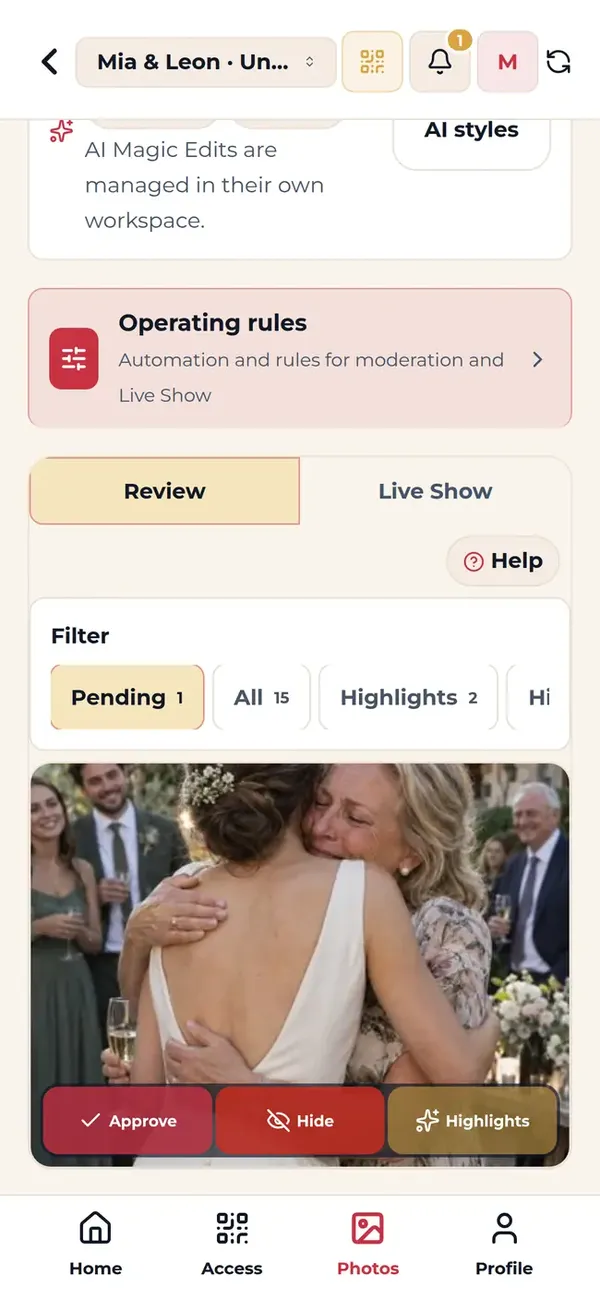
Photo tasks turn onlookers into players. Guests start talking, tables mix – and you get pictures nobody would have taken otherwise.
A photo with someone you’re meeting for the first time today.
Task for every tableCatch the couple when they’re not looking.
Task for friendsThe first dance – from an angle nobody else has.
Party task
Pick a colour and your names – table card, QR sign and gallery take on your design. With your own logo in the larger packages.
Mia & Leon
June 14, 2026
Table7
Scan & share photosOpens in the browser – no app




From the slideshow on the projector to the photo booth – everything flows into one gallery.

One link is enough: laptop to the projector, new photos appear on their own.
With approval switched on, you check new uploads before anyone sees them.
No signal in the vaulted cellar? Photos wait on the phone and are sent later.
Your photo booth delivers straight into the same gallery – for Windows, macOS and Linux.
Guests can give photos new looks if they like.in selected packages
Tasks, copy and recommendations adapt – from the wedding to the summer party.
Choose by guest count, photos and how long your gallery should stay online.
For birthdays, garden parties, or smaller family celebrations.
€29one-off
Our recommendation for weddings
For typical weddings, anniversaries, and team days.
€59one-off
For larger weddings, company events, and events with higher demands.
€119one-off
Because photos get lost in chats, not everyone is in the group and in the end nobody has them all.
| What you need | Fotospiel App | WhatsApp group | Photo booth alone |
|---|---|---|---|
| Guests need no app | Runs in the browser | Messenger and group required | On site, yes |
| Every angle of the evening | Every phone becomes a camera | Only people in the group | One spot |
| Approval before showing | Yes, optional | No | No |
| Live on the projector | Live slideshow | No | Depends on provider |
| Download everything at once | Export as ZIP | Photo by photo | Depends on provider |
Your photos belong to you. We make sure they arrive safely and stay where they belong.
EU hosting and GDPR-compliant processing.
Only people with your link or QR code get into the gallery.
With poor reception, photos are cached locally and sync automatically later.
After the celebration you download all photos together.
The essential answers about access, uploads and your photos. Anything else: write to us.
No. Guests open the event link or scan the QR code and use the Fotospiel App directly in their browser.
Guests with your QR code or event link can reach the gallery. You can add a PIN to protect access and decide which photos are visible.
Uploads are cached locally and sync automatically as soon as a connection is available again.
The QR code, access, and gallery are prepared so the first upload can happen in about five minutes.
You can export your favorites and all available originals together, then keep using the gallery for your follow-up.
Scan the card with your phone or open the demo right here. Takes a minute.
Your celebration
Demo event
Table1
Scan with your phoneThe demo opens instantly