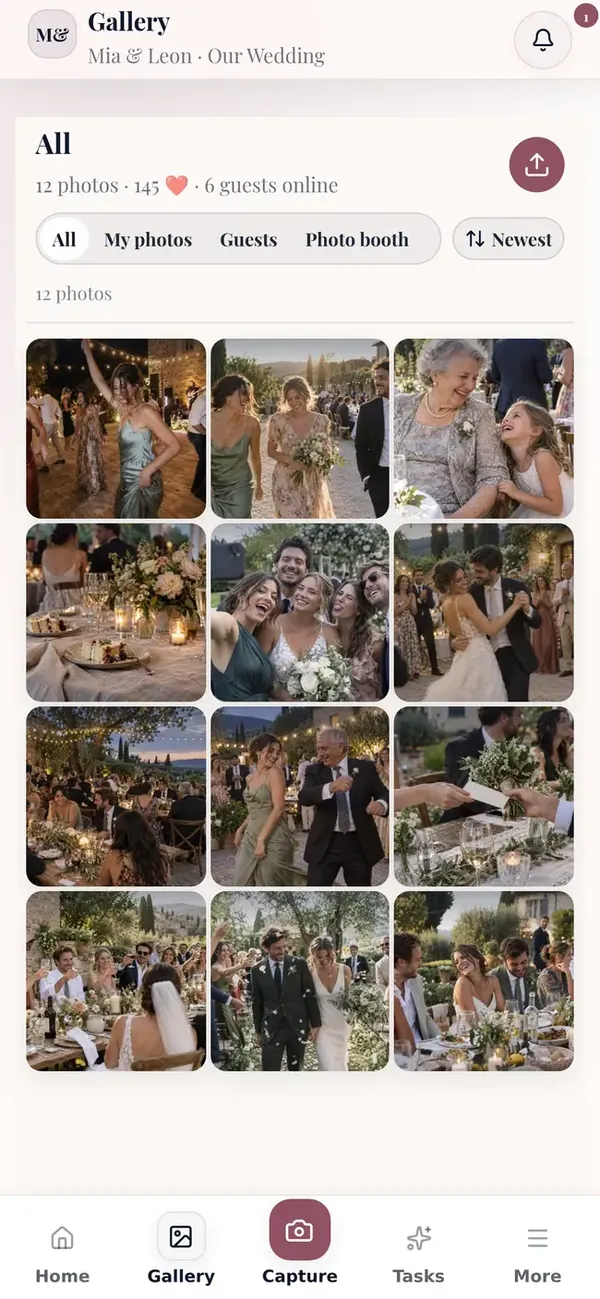
When a dedicated event gallery fits
- You want all guest photos in one private event gallery.
- You need moderation, controlled access, or a cleaner GDPR position.
- You want the gallery to work during the event, not only after it.
A group chat works for quick messages. A dedicated event gallery structures access, visibility, and the later photo export.
| Criteria | Fotospiel | |
|---|---|---|
| Guest access | Guests join through QR code or event code directly in the browser. | Join depends on chat invites and personal phone habits. |
| Privacy and moderation | Private gallery, optional PIN, and moderation before photos go live. | Little control once the chat is active. |
| Live event experience | Uploads, reactions, and slideshow become part of the event flow. | The event itself does not gain a shared live gallery moment. |
| After the event | Favorites, ZIP export, and your archive stay in one place. | Exporting and cleaning up the photo set is manual and fragmented. |
If you already know your event type, start with the page that fits best.
Open the demo on your phone or compare the packages for your event.
Your celebration
Demo event
Table1

Scan with your phoneThe demo opens instantly